
Put it here.
Make sense
of it later.
A spatial workbench for things you’re still figuring out. Gather links, notes, images, and files. Connect your thinking. Let AI research the next question—with sources.
Download for MacLocal first. No account. No need to know where it belongs.Interactive illustration, not the running app. Sample content.
Scattered ideas in.
A photo from the gym, a link you meant to read, a palette you liked, a to-do for Friday. Different kinds of things, two different parts of your life, all on one canvas.
Clear views out.
Drag related cards together and they become a group. To-dos line up on a board, and anything with a date waits in your Later list.
Tools grow out of it.
When a group keeps growing, it can become a panel: your lifts week by week, a count of what’s left before a launch. Built from your own cards, and it speaks up at the right moment.
Prototype with sample data. Not in the current release.A canvas is a folder. The files are yours.
Each canvas is a real Finder folder. Notes are plain Markdown, and images and files keep their formats, so they stay yours even without put·here. The Claude or ChatGPT you already use can read them too.
How your files are storedAnimated illustration, not the running app. Sample content.
Give AI a question.
And a place to work.
Right-click a question card and choose Hand it to AI. It reads your material, researches the web, and brings findings back with their sources—in a workspace of its own.
AI works in its space. You stay in charge of yours.
How the AI worksBuilt-in put·here AI includes a monthly free allowance. You can also use your own API key or a local model.Can I see an eigenvector?
Use my saved linear algebra notes to find a visual explanation. Keep the sources.
Illustrative flow. No AI requests run on this page.
Start from a canvas
See all templates →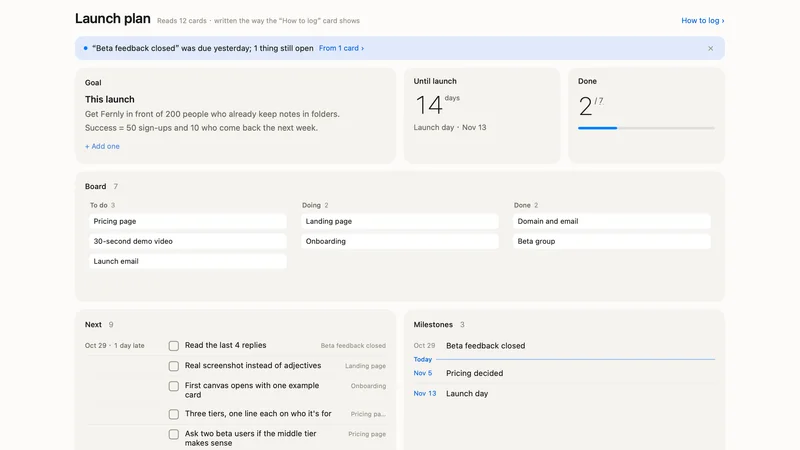
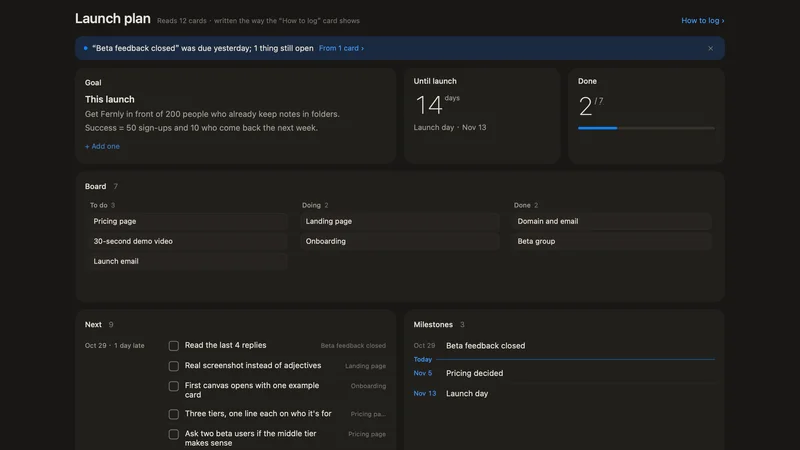
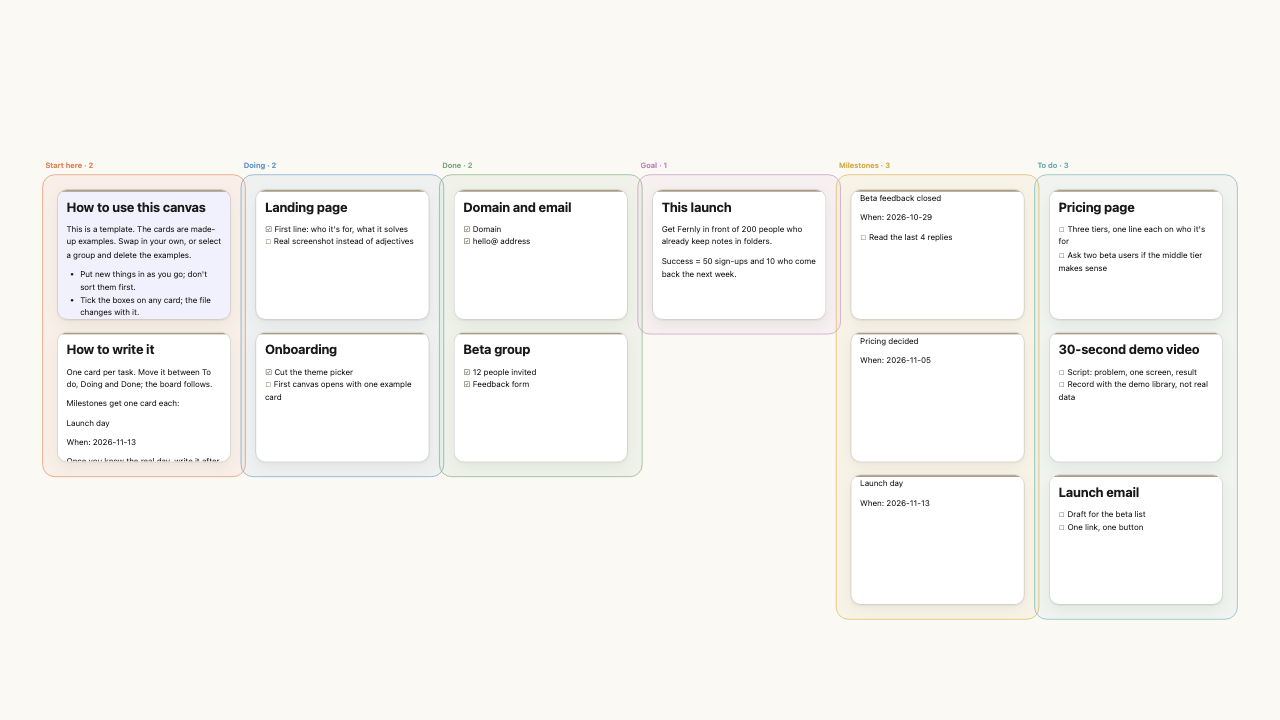 PanelLaunch planOne goal, every task by status, and how many days are left.13 cards · FoundersEN
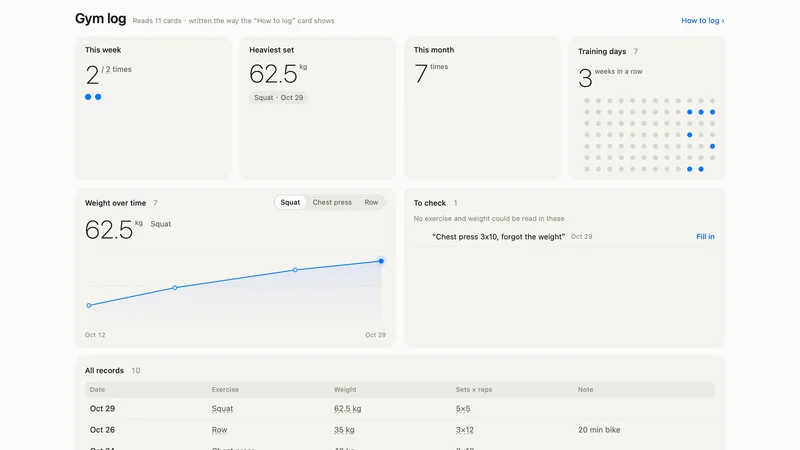
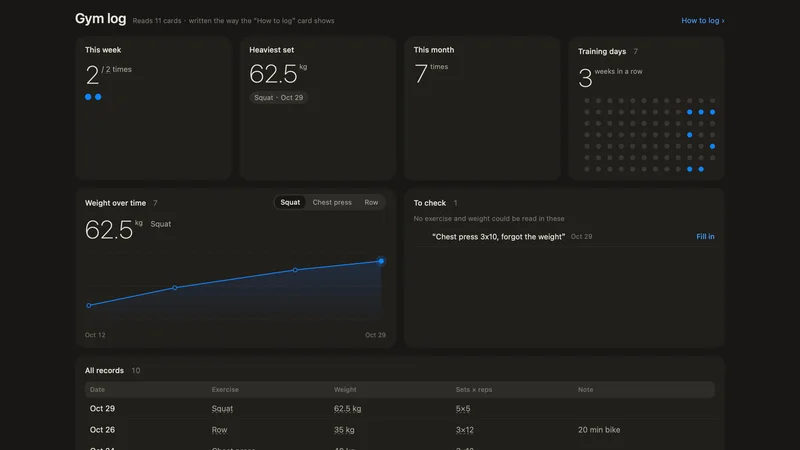
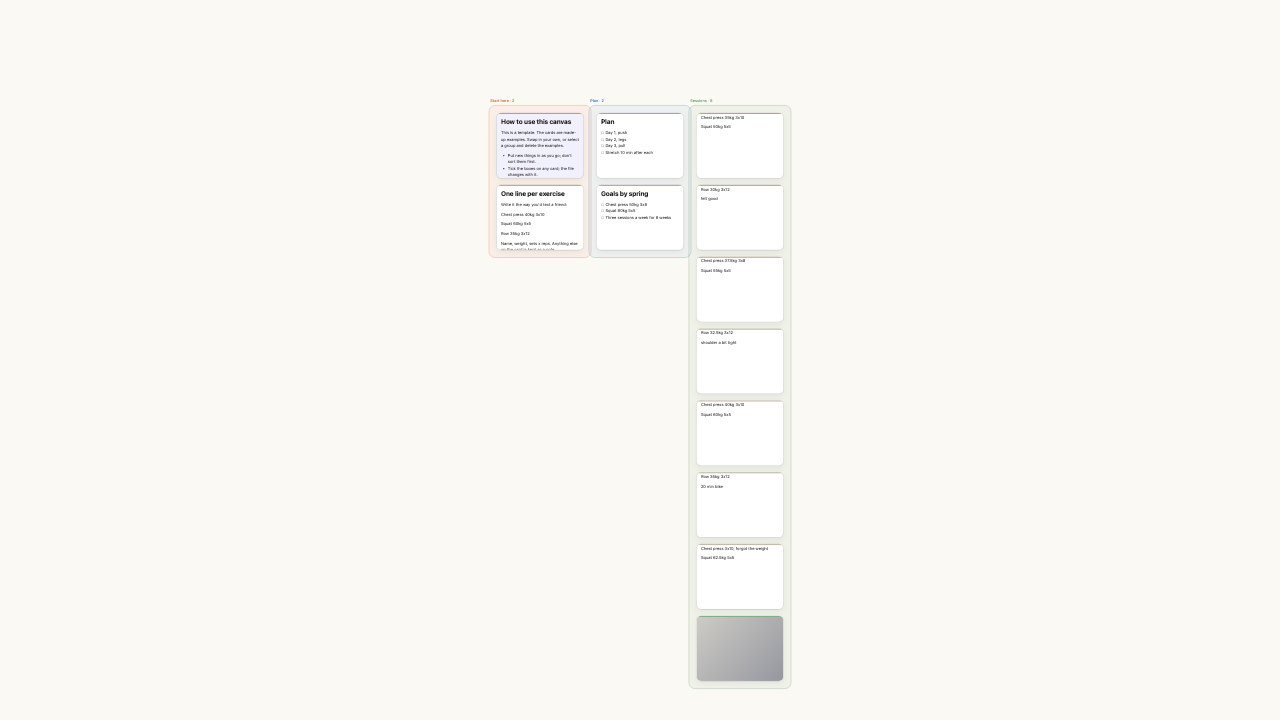 PanelGym logLog a session in one line; see what you lifted, how it's going, and whether you kept it up.12 cards · LifeEN
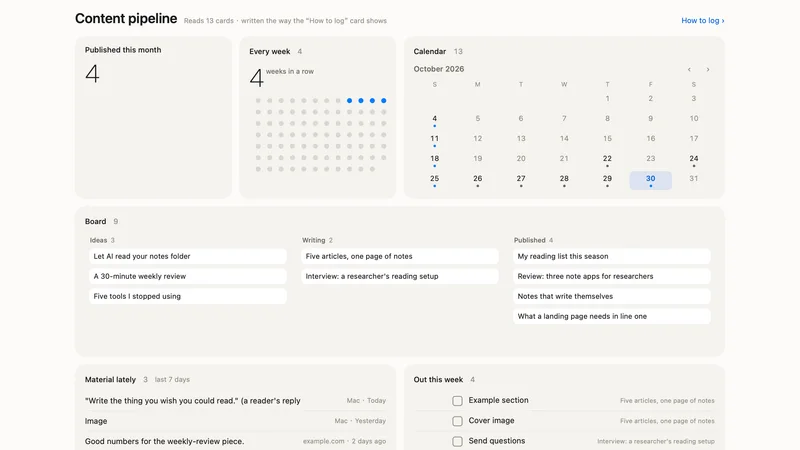
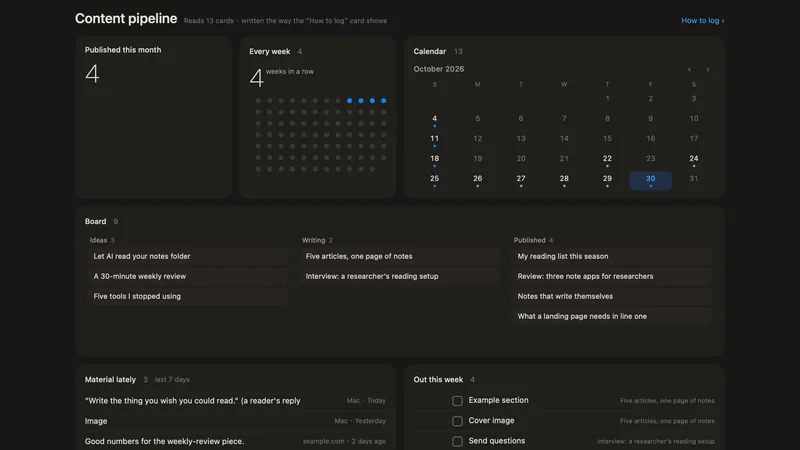
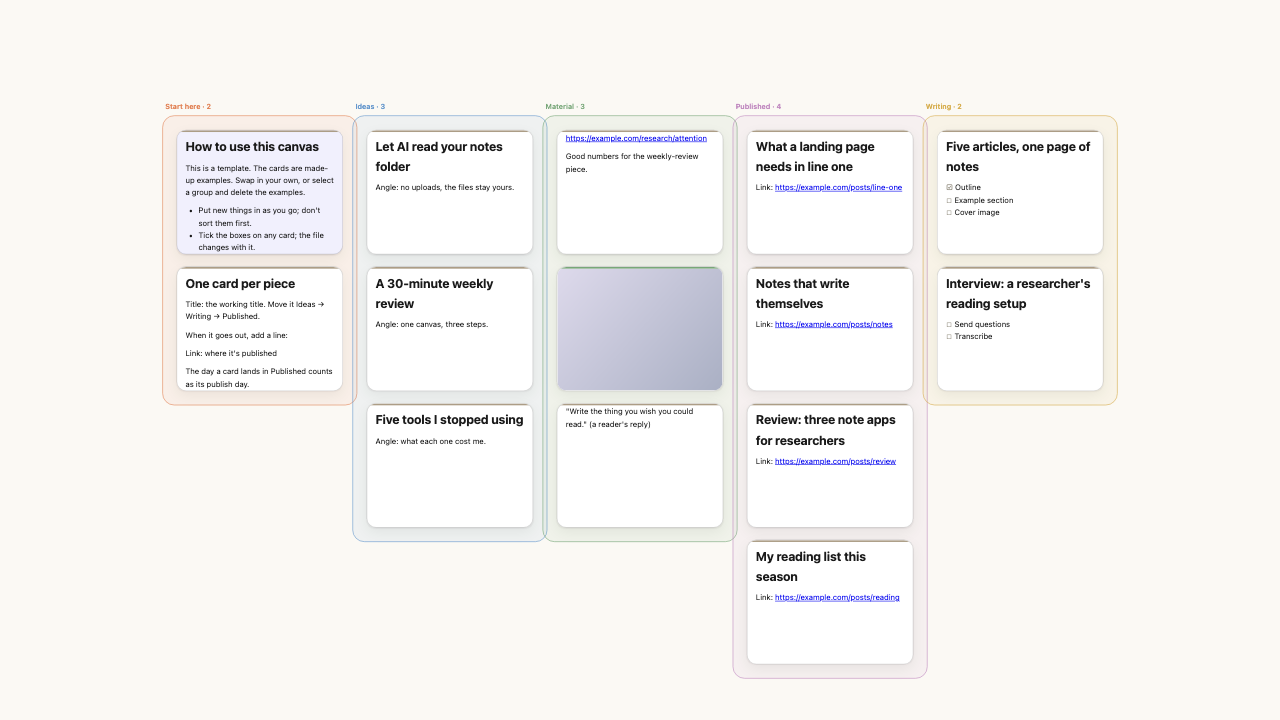 PanelContent pipelineIdeas, drafts and what's out — and whether you're keeping up.14 cards · WritersEN
A few practical things.
The manual has the details. Here’s what to know before downloading.
Open the manual01Do I need an account or a subscription?
The current 0.14.2 release is free to download, with no account. AI is optional. Built-in put·here AI has a free monthly allowance shown in Settings. You can also bring your own API key (your provider may charge for usage) or use a local model.
02Will AI change my canvas on its own?
AI researches and creates source and finding cards in a separate workspace. You control your main canvas: you start AI grouping, can undo it, and keep the groups you made. Connections are drawn by you; relationship labels are optional.
03What leaves my Mac?
AI sends only the text its feature needs. Built-in AI relays it through our server; your own key connects directly to your provider; a local model processes it on your Mac. Built-in AI uses an anonymous device ID to count your allowance. Publishing, phone capture, previews, and update checks have their own data flows, described in the full privacy policy. The app has no behavioral analytics. Read the full details Full privacy policy
04Can I share a canvas?
You can export a share bundle. Hosted publishing to a link currently requires an invitation code and is not part of the standard download experience.
05What is new in this release?
0.14 adds a board to a canvas: cards with check boxes sit in To do, Doing and Done, a drag moves them, and columns can be renamed, coloured and given an icon. Cards show the times written in them and come up in Later when they are due. The web panel has tabs and can summarize a page with AI. Browser bookmarks and ChatGPT or Claude exports come in all at once. Runs on Intel and Apple silicon, macOS 14 or later.
PeterMaker of put·here
Saved successfully. Somewhere.
My thoughts used to go wherever was closest: WeChat File Transfer, the desktop, a temporary note. Weeks later, everything still existed. In theory. So I made put·here: put things down, let their positions leave a clue, and ask AI to help organize or investigate when you need it.